---
title: "Audit Log Streams"
description: "Learn how to stream Infisical Audit Logs to external logging providers."
---
Audit log streams is a paid feature.
If you're using Infisical Cloud, then it is available under the **Enterprise Tier**. If you're self-hosting Infisical,
then you should contact team@infisical.com to purchase an enterprise license to use it.
Infisical Audit Log Streaming enables you to transmit your organization's Audit Logs to external logging providers for monitoring and analysis.
The logs are formatted in JSON, requiring your logging provider to support JSON-based log parsing.
## Overview


Provide the following values
The HTTPS endpoint URL of the logging provider that collects the JSON stream.
The HTTP headers for the logging provider for identification and authentication.
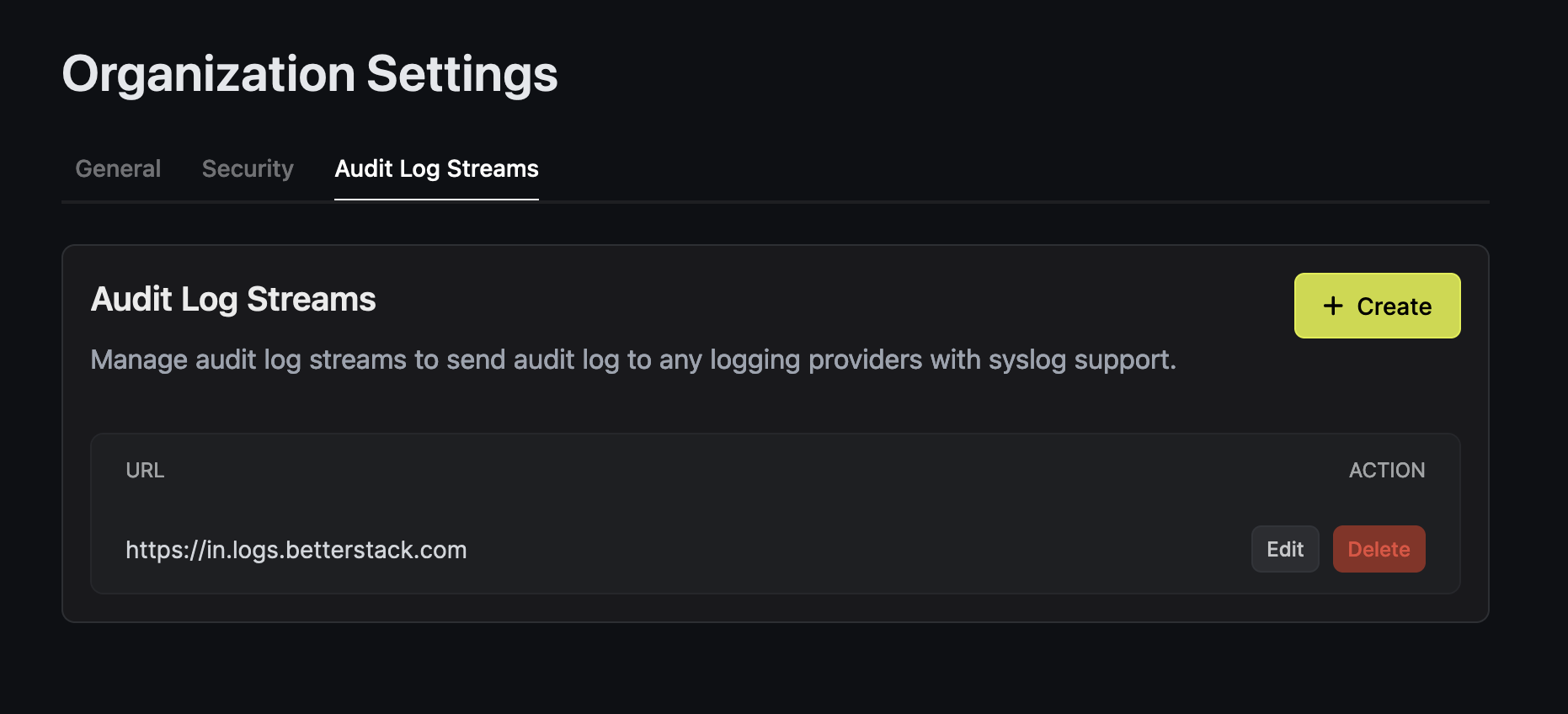
Your Audit Logs are now ready to be streamed.
## Example Providers
### Better Stack

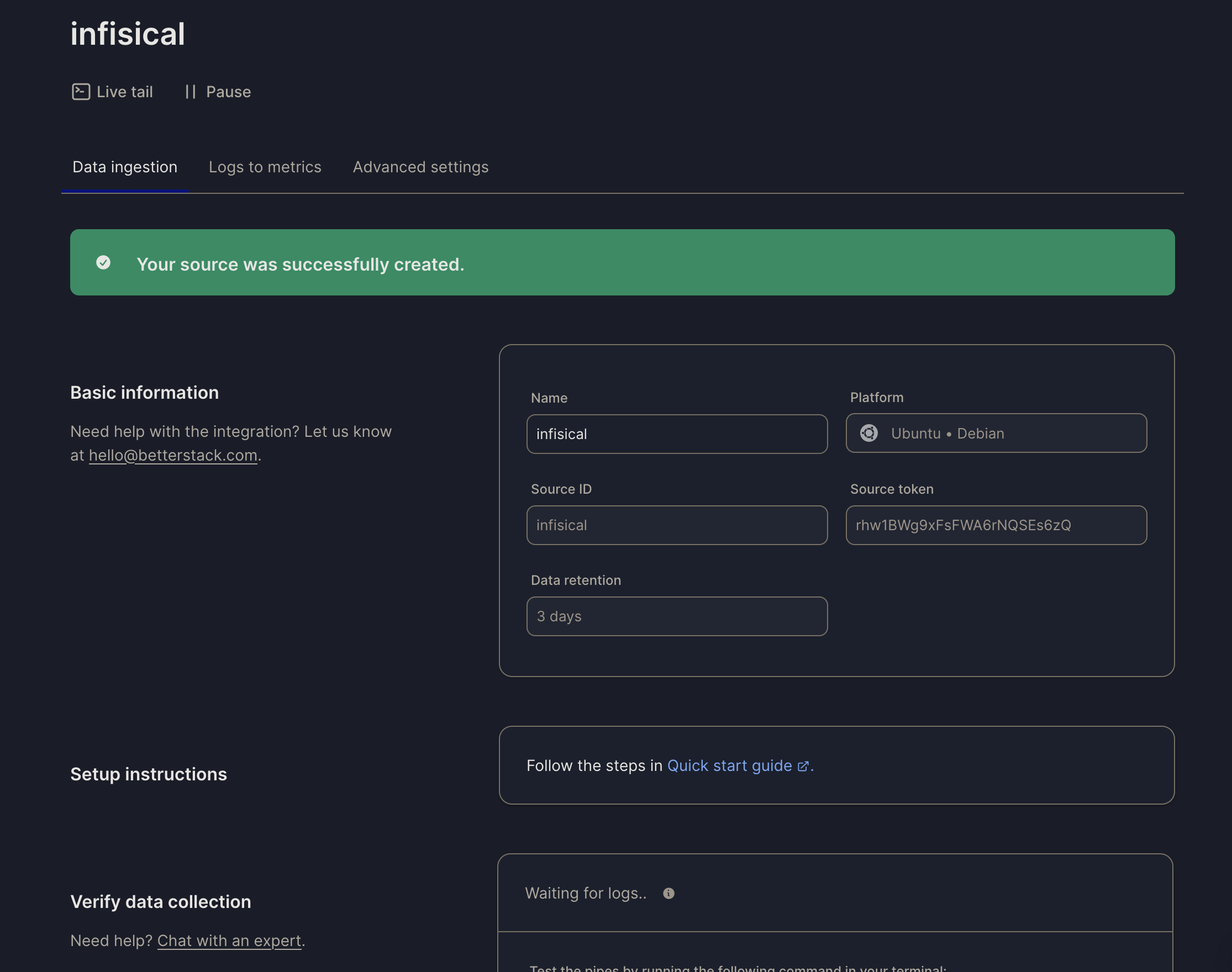
1. Copy the **endpoint** from Better Stack to the **Endpoint URL** field.
3. Create a new header with key **Authorization** and set the value as **Bearer \**.
### Datadog
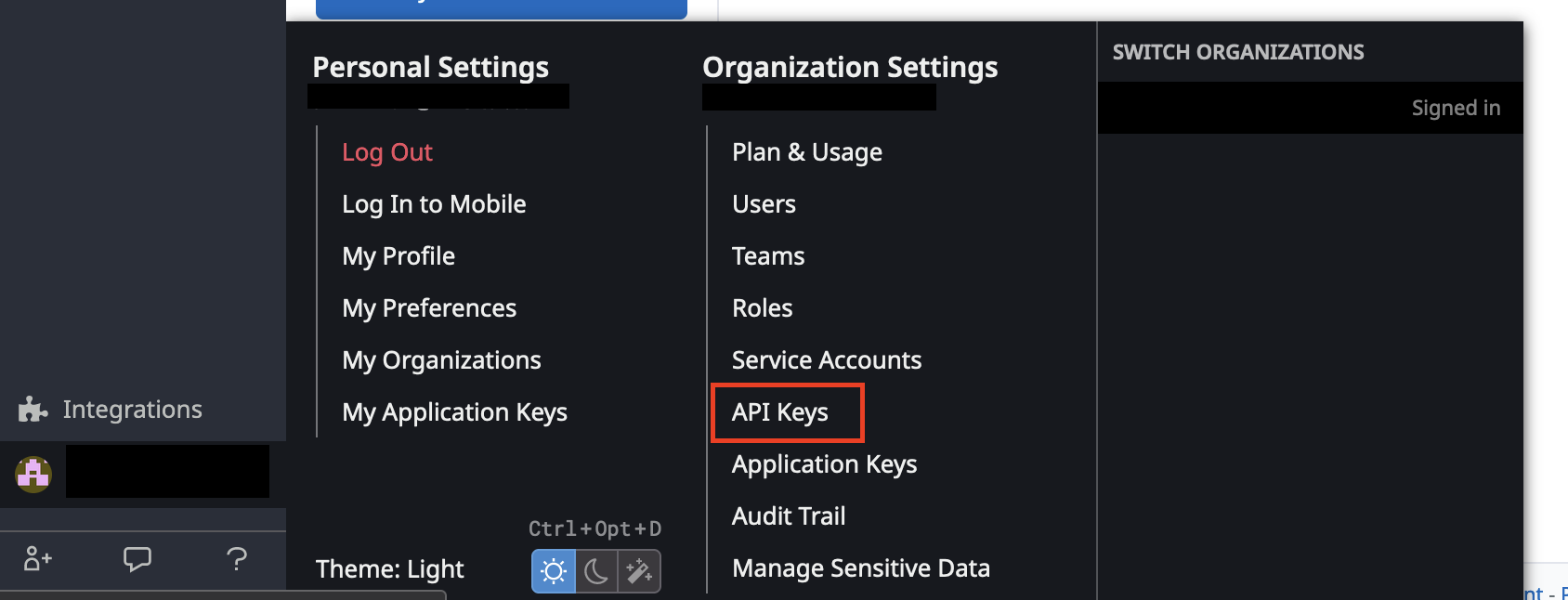


1. Navigate to the [Datadog Send Logs API documentation](https://docs.datadoghq.com/api/latest/logs/?code-lang=curl&site=us5#send-logs).
2. Pick your Datadog account region.
3. Obtain your Datadog logging endpoint URL.

1. Copy the **logging endpoint** from Datadog to the **Endpoint URL** field.
2. Copy the **API Key** from previous step
3. Create a new header with key **DD-API-KEY** and set the value as **API Key**.